
Crash when adding new card

amsinams

秀才
Recently I started adding cards for multi-char words, however it always crashes with either iPhone or iPad (both 26.5) using 3.99.1.46.0. After crashes I uploaded both but the description I added was not very exact so repeating it here, hope it helps.

When I click on ‘new card’ for a multi-char word that is unknown such as 爱欢迎 (popular I’m told):
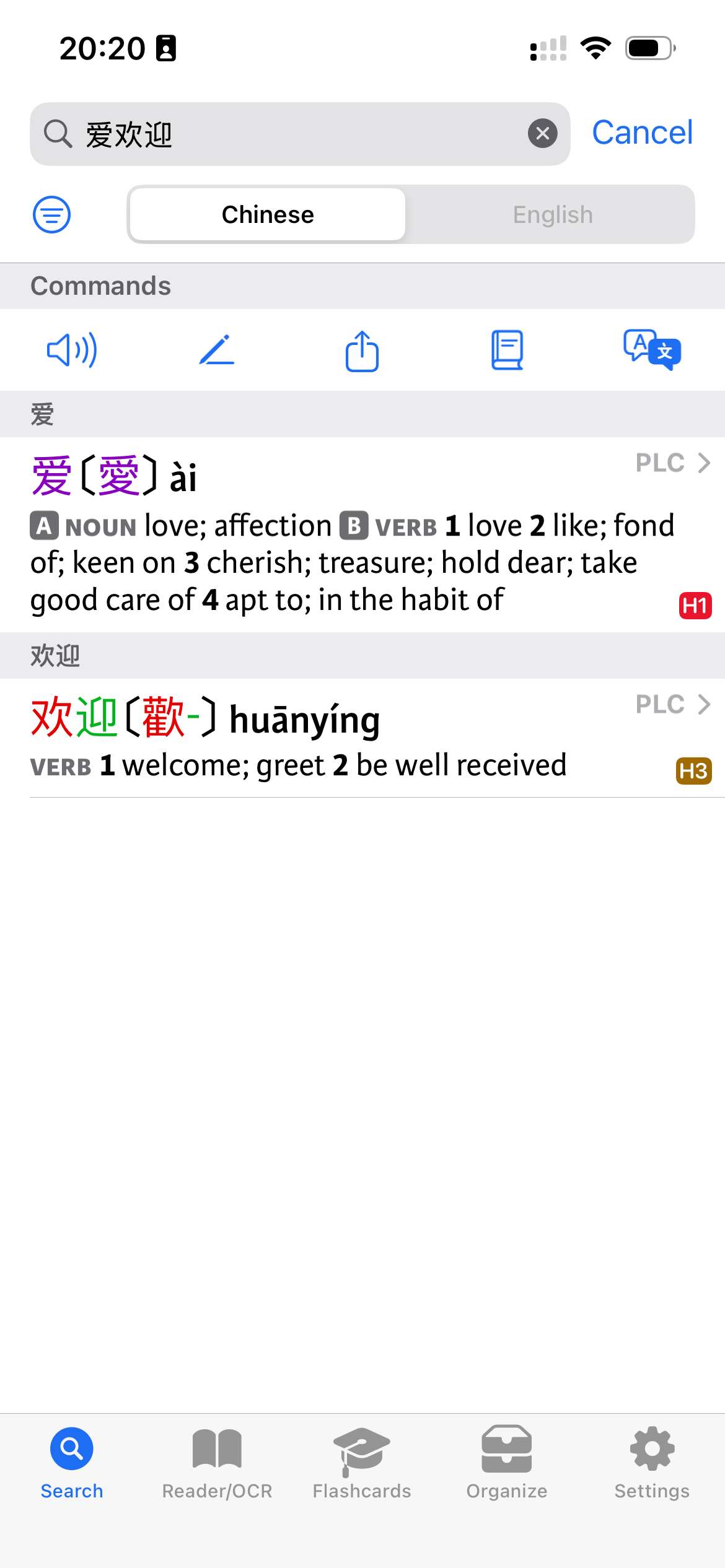
IMG_6922.png


I then have it automatically populate the fields (pretty cool!) but when “dictionary entry” and click “translate” it crashes:
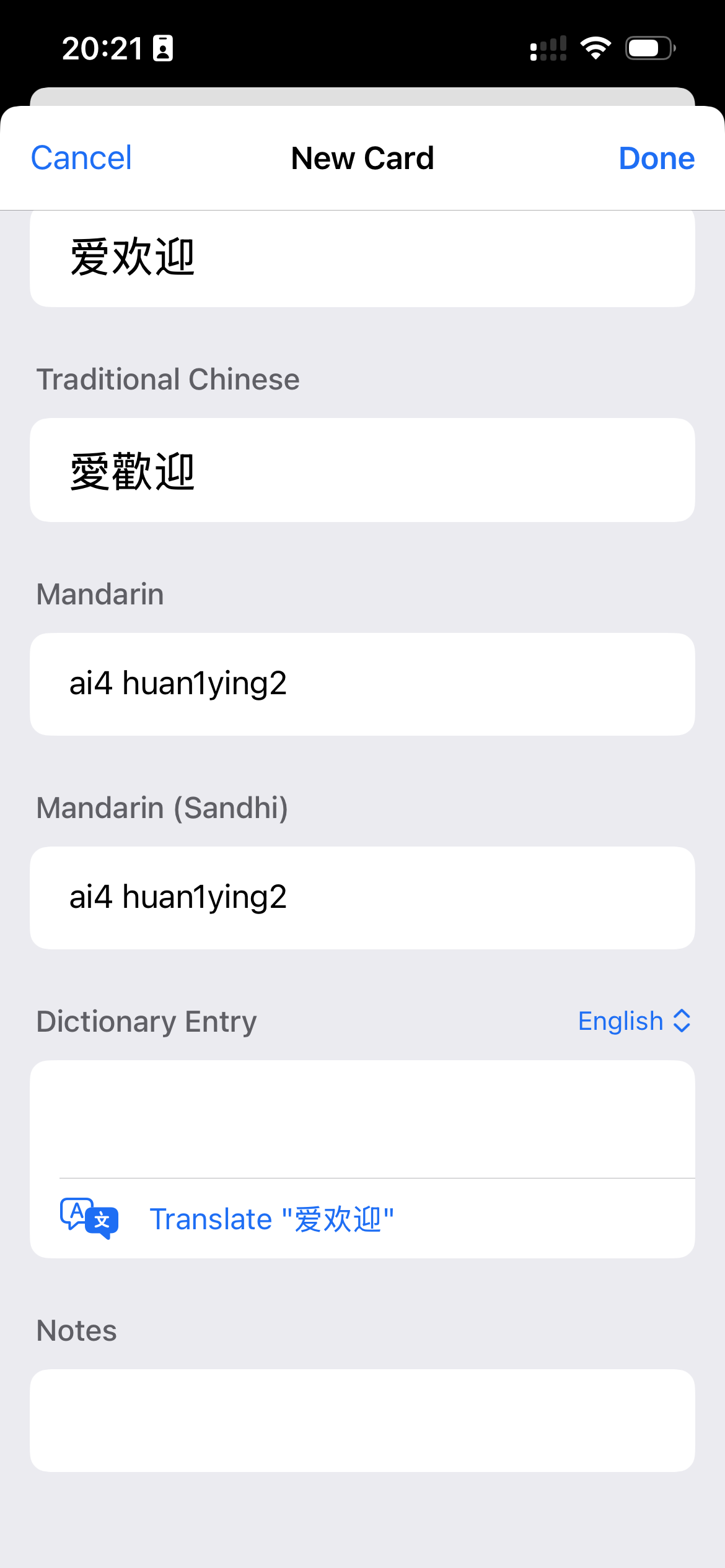
IMG_6923.png


I guess it doesn’t know the translation otherwise an entry would exist
:)
 
Thanks. Does this happen when you tap on 'translate' or when you tap on the 'apply' button to actually apply it to the entry? Have you sent in a crash log?
 
I just resubmitted the crash with comment:

When at the Dictionary Entry clicking on translate

In addition when I just fill in the translation myself and apply it works, it is purely the translate function; could make sense since there is no known translation in my dictionaries.
 
It looks like this is a bug in Apple's code for presenting a controller to ask you to download translation language data. Can you go into the system Translate app and perform a Chinese-to-English translation (which should get it to download the needed data), then go back into Pleco and see if that gets it working without the crash?
 
This turns out to be a true negative test!

My combination of characters is wrong ( 爱欢迎)it should be 受欢迎, which does have a dict entry.

however there is another word with the same problem:
多收 with meaning overcharge; this is known in apple translate (with meaning: collect more), but when adding it as a new card, it will also crash the app exactly the same.

When I try to add a new card for a word that is known in Pleco dictionary, e.g. 爱好, and the click Translate, the app also crashes.

Basically it always crashes when using Translate, is what I find.
 
Back
Top